


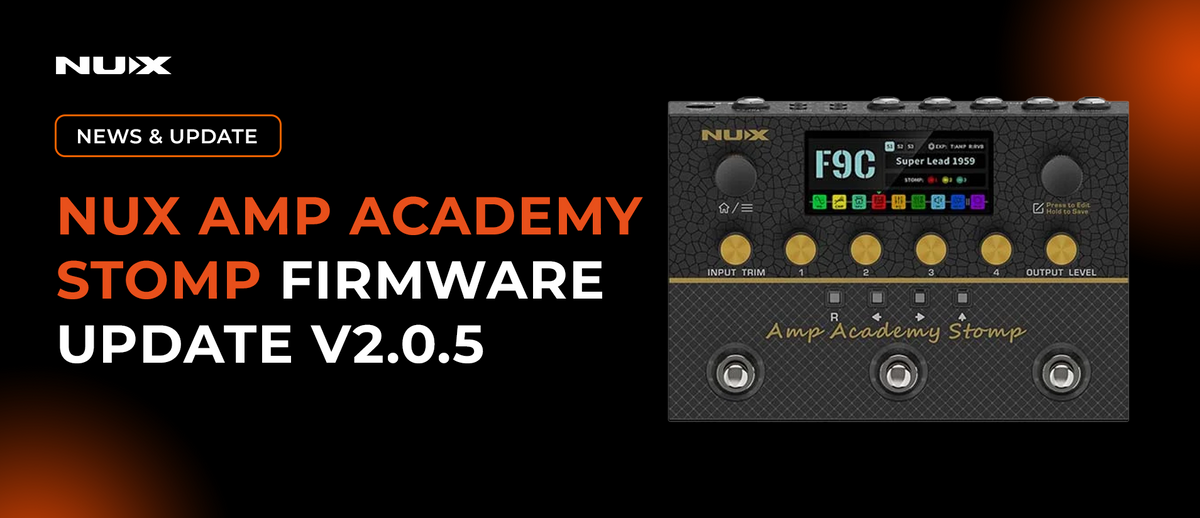
Firmware V2.0.5 for the NUX Amp Academy Stomp is now available. This update brings an NAM Loader, six new DeepImage models, a new MOD block, and several workflow shortcuts.
Here's everything that's new.
01. NAM Loader

You can now load up to 30 community-shared Neural Amp Modeler (.nam) files onto the NUX Amp Academy Stomp, A2-Lite NATIVE, and A1 CONVERT.
02. 6 New DeepImage Models

Six new NUX DeepImage models have been added:
- I XTC CLEAN
- I XTC BLUE
- I XTC RED
- I CAE 3+ CLEAN
- I CAE 3+ CRUNCH
- I CAE 3+ LEAD
Tip: DeepImage is NUX's proprietary DSP-based modeling technology, designed to capture an amp's gain structure, non-linear distortion characteristics, and spatial air.
03. New Effects

- A Mono Octave effect has been added to the EFX block.
- A NU SHIM shimmer reverb has been added to the RVB block.
04. New Modulation Effects Block

In response to user requests, we've added a MOD block with 13 classic modulation effects:
- CE-1
- CE-2
- ST.Chorus
- SCH-1
- S.C.F
- FLANGER
- PHASE 90
- PHASE 100
- U-VIBE
- VIBRATOR
- TREMOLO
- ROTARY
- HARMONIST
05. Delay Time in Milliseconds or BPM

You can now set the delay time in either MS (milliseconds) or BPM (beats per minute).
When editing a delay effect in the DLY block, press the EDIT encoder to switch between MS and BPM, then turn the EDIT encoder to set the delay time.
06. Precise Global EQ Controls

The Global EQ now provides a real-time dB readout on the screen when adjusting EQ parameters.
Tip: Global EQ is applied at the output and affects every preset. Use it to compensate for a room or backline, rather than to adjust an individual preset.
07. Workflow Improvements
7.1 Quick Tuner Shortcut

- Hold footswitch A to open the tuner.
- Tune your instrument. The meter shows the number of cents above or below the correct pitch.
- Press footswitch C to return to the preset.
Tip: The tuner runs chromatically with an A4 = 440 Hz reference. The home screen shows this assignment as CTRL: T:TUNER.
7.2 Quick Loop Shortcut

- Hold footswitch B to open the LOOP page.
- Set REC MODE (N.R. / A.R.), POSITION (PRE / POST), and LEVEL.
- Press footswitch C to return to the preset.
Tip: POSITION decides whether the loop sits before or after the effect chain. The home screen shows this assignment as CTRL: R:LOOP.
7.3 Quick FS Menu Shortcut (Footswitch Assignment Menu)

- Hold footswitch C to open the FS page.
- Press A for PRESET, B for SCENE, or C for STOMP.
- The page automatically exits after 3 seconds of inactivity.
Tip: In PRESET mode the footswitches read A —▼— B —▲— C: A steps down, C steps up. SCENE selects scenes 1–3; STOMP selects stomps 1–3.
7.4 Second Page of the FS Menu

Press the EDIT encoder to access the second page of the FS menu.
When you connect a dual footswitch, such as the NUX NMP-2 or NMP-2 LITE, you can assign the two footswitches to different functions.
- Connect the NUX NMP-2 or NMP-2 LITE to the EXP/CTRL FS jack using a TRS cable.
- The page identifies the connected device. It displays NO DEVICE when no compatible device is connected.
- Assign functions to RING (Switch A) and TIP (Switch B).
- Each switch can step through presets using P UP / P DN, or toggle an effect block such as AMP or CMP.
Tip: RING corresponds to Switch A, and TIP corresponds to Switch B, matching the B = TIP / A = RING marking on the NMP-2 LITE. The on-screen fields follow the same left-to-right order as the two switches. Block assignments are color-coded to match the effect chain.