



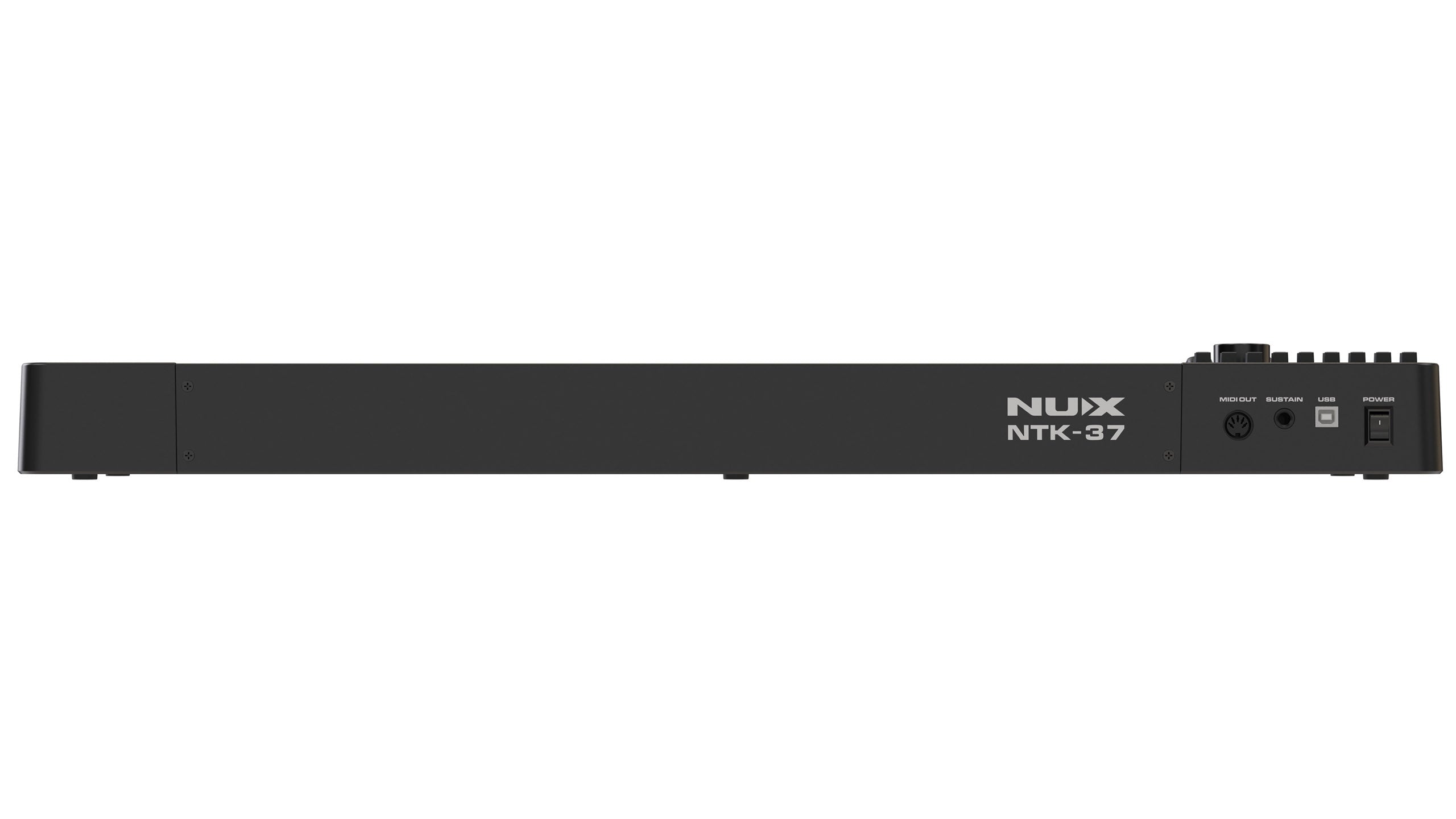
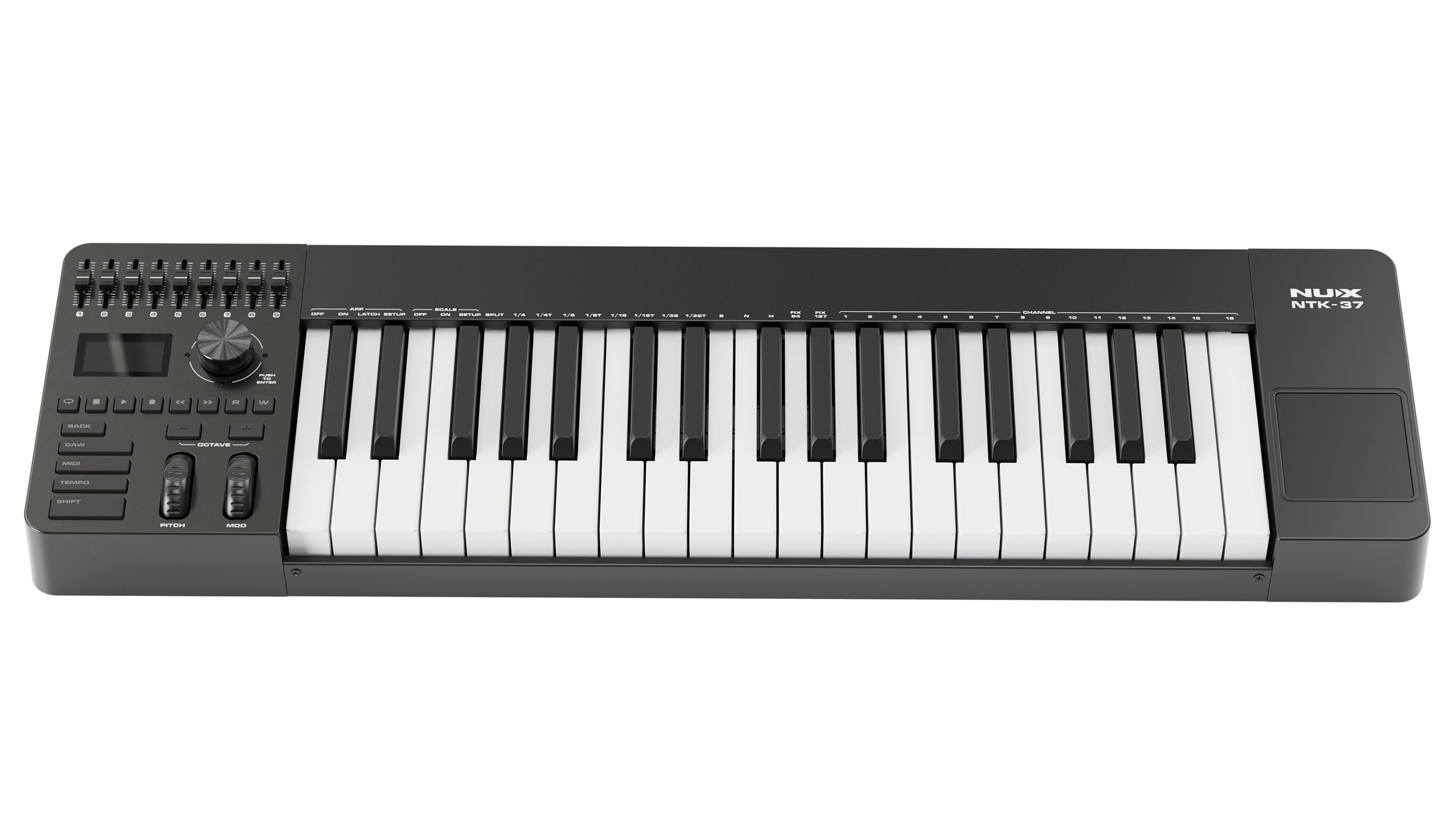
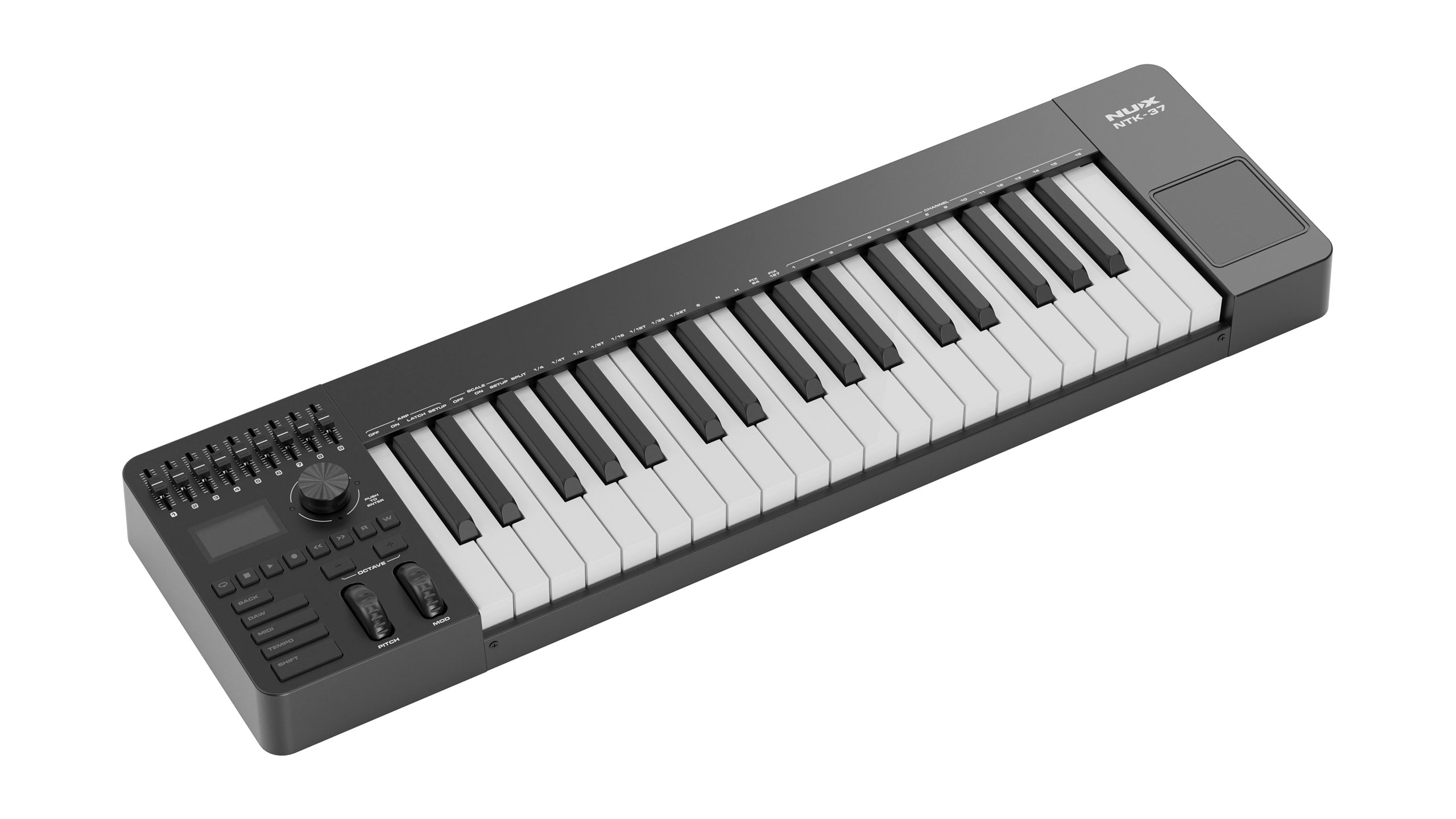

Semi-Weighted Action

Hands-On Mixing

Performance Tools

Production Workflow

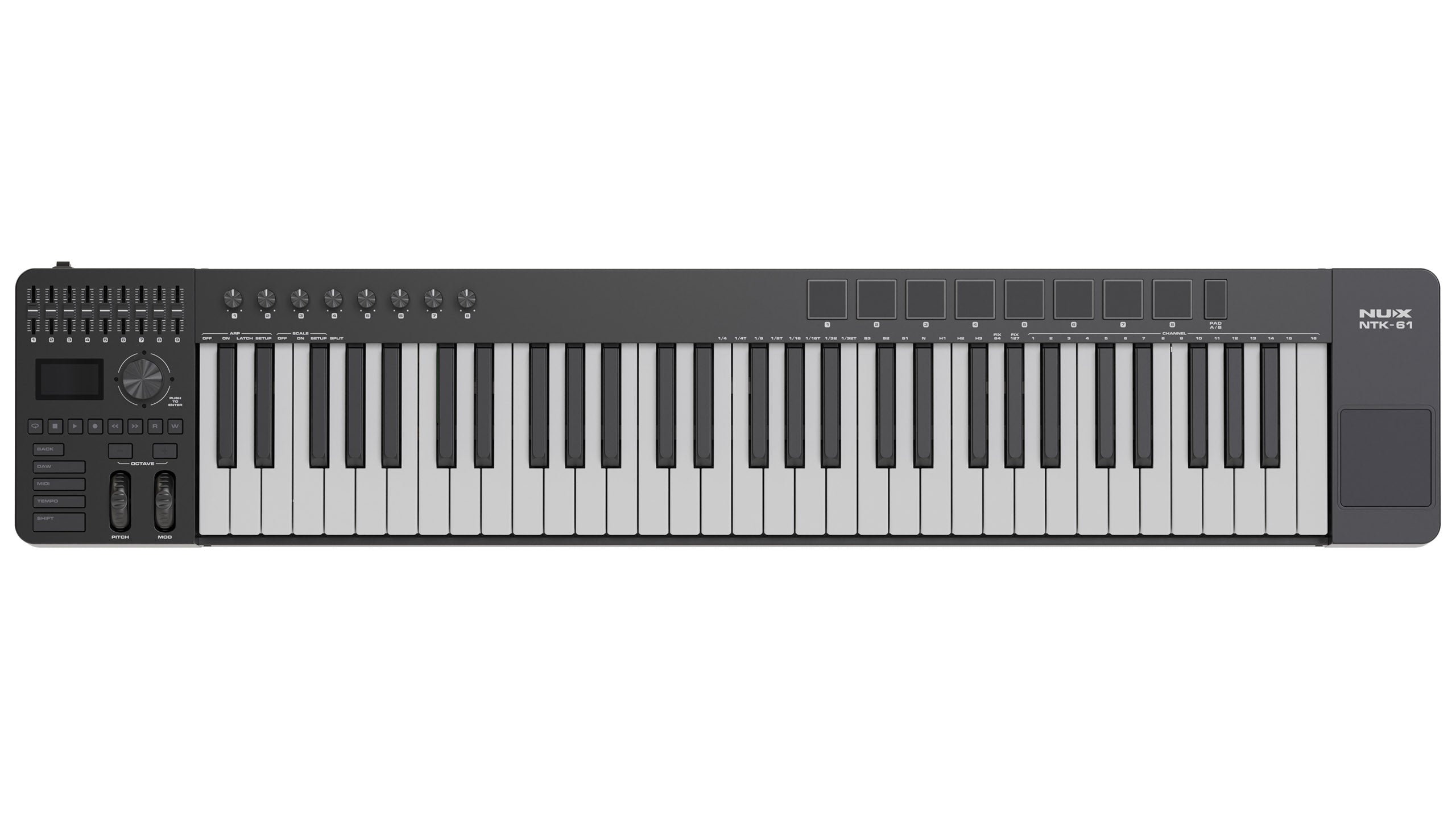
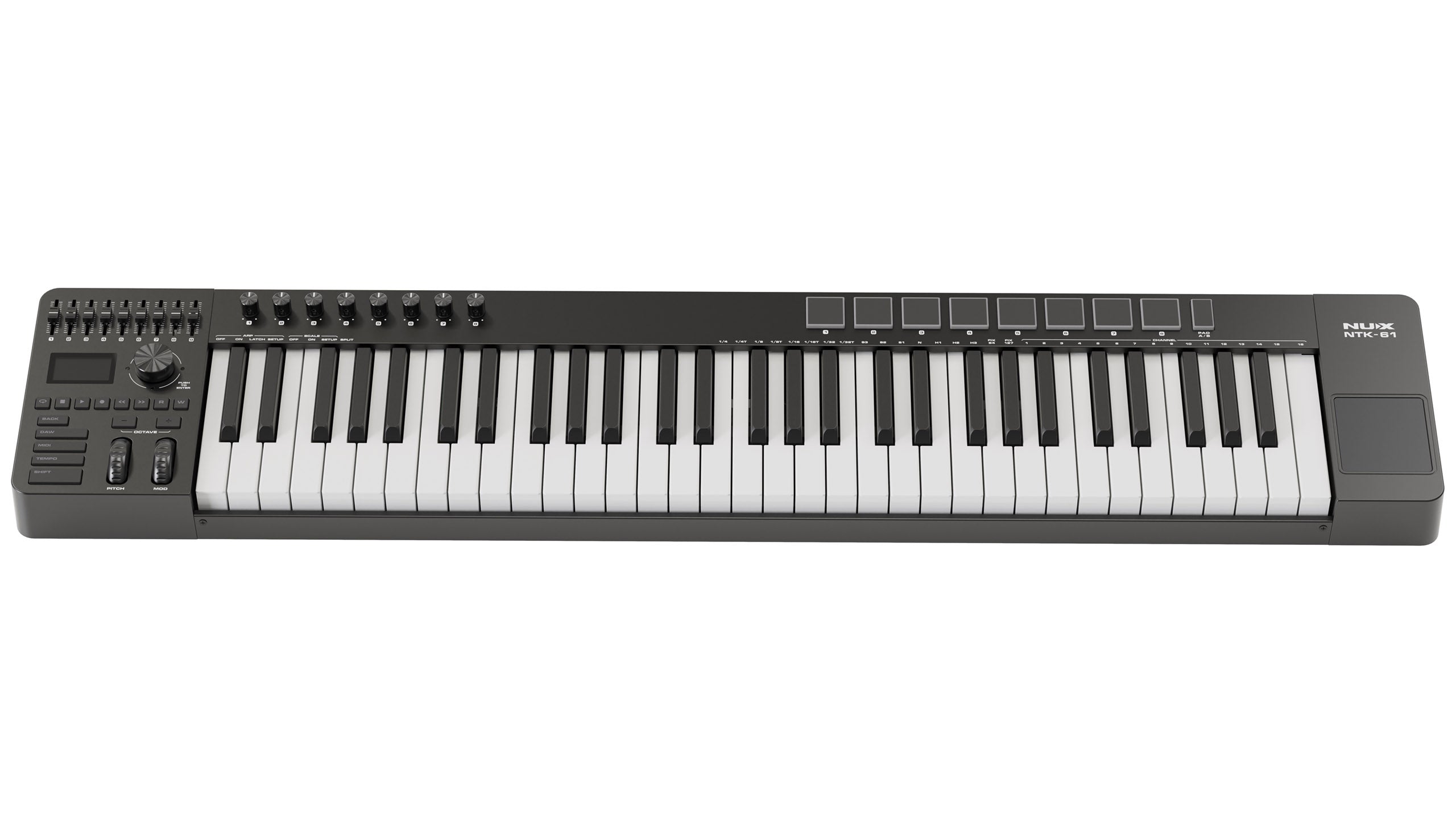
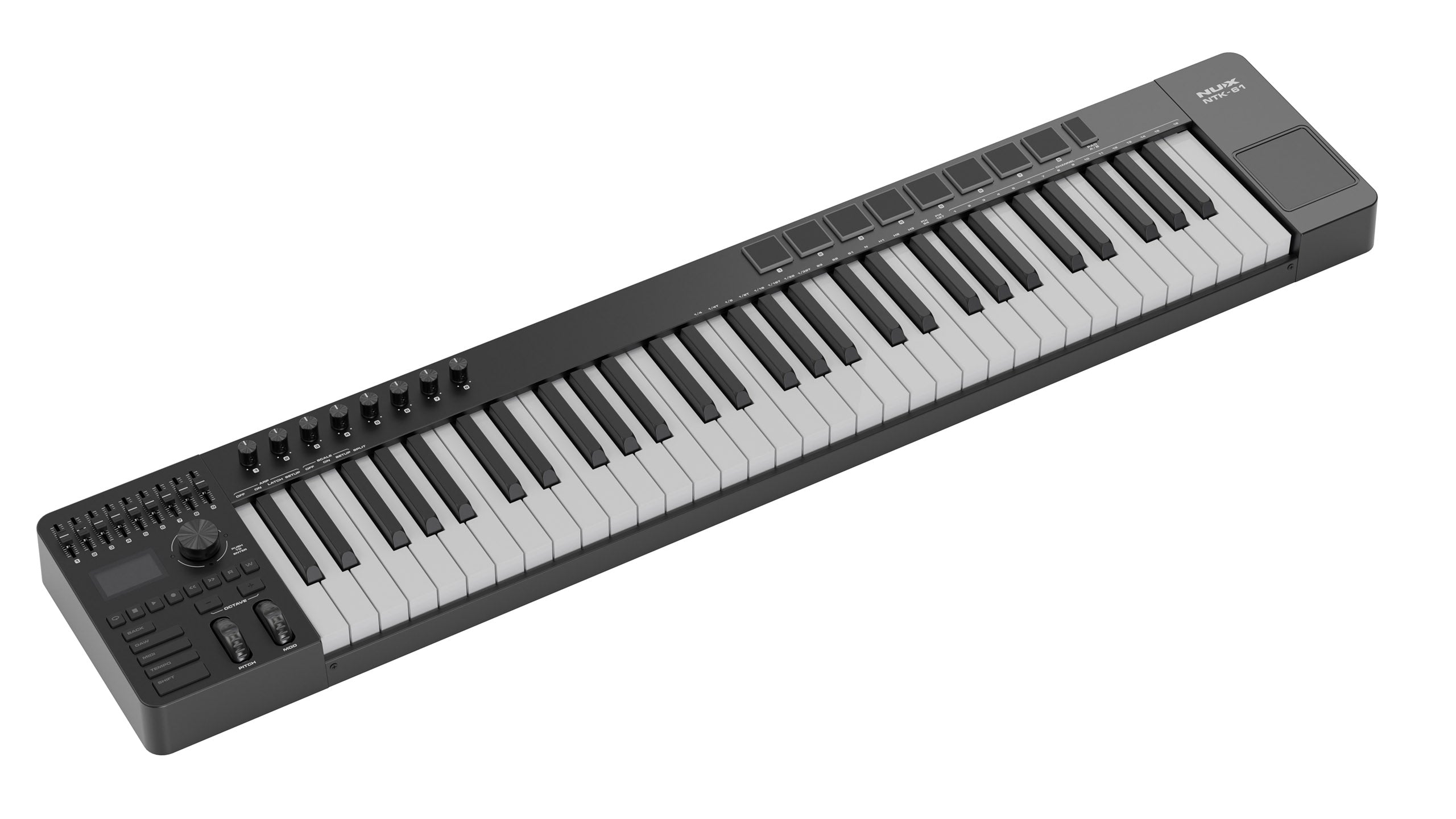
Semi-Weighted Action

Velocity Sensitive

Real-Time Control
Hands-On Mixing

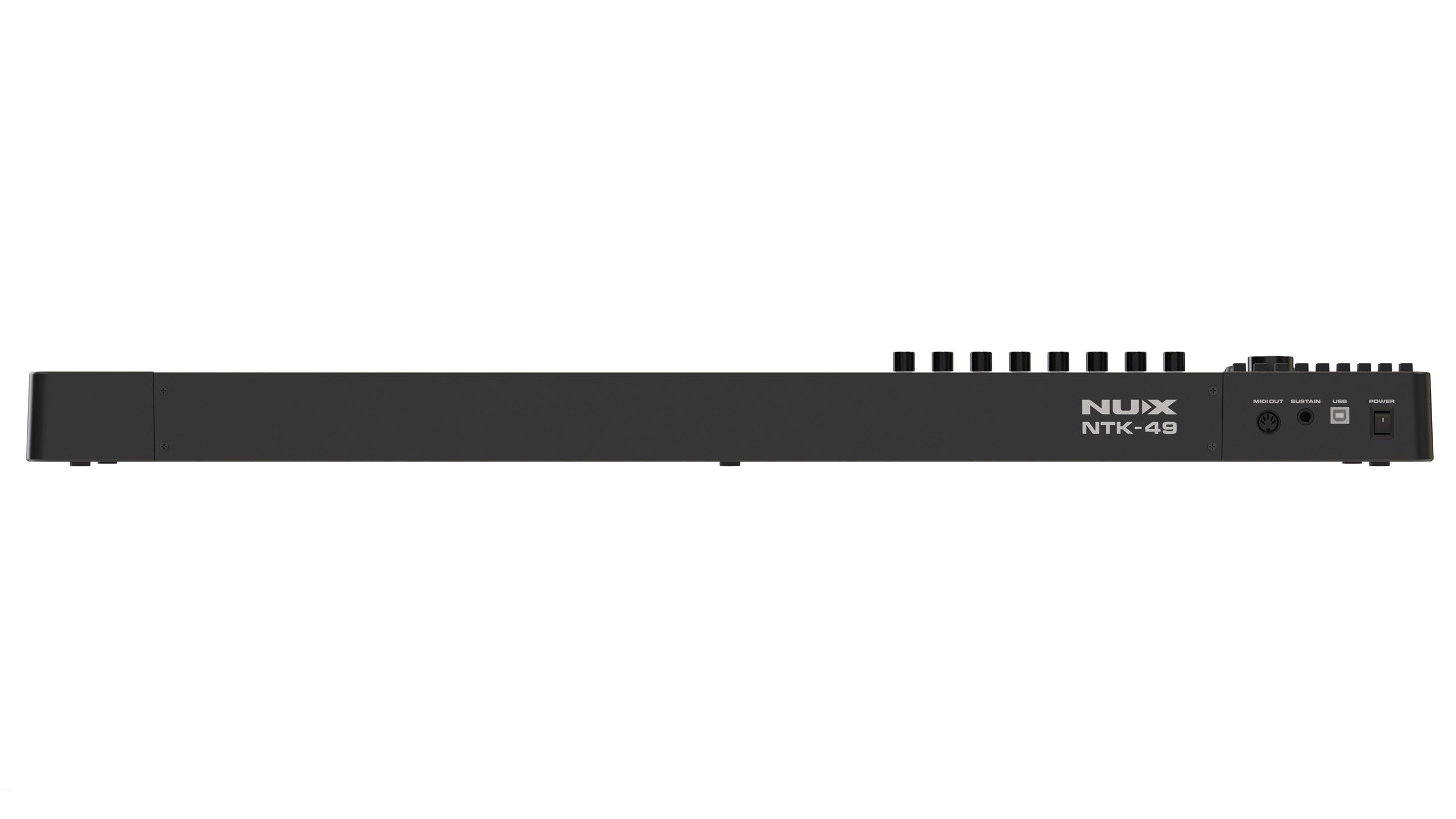
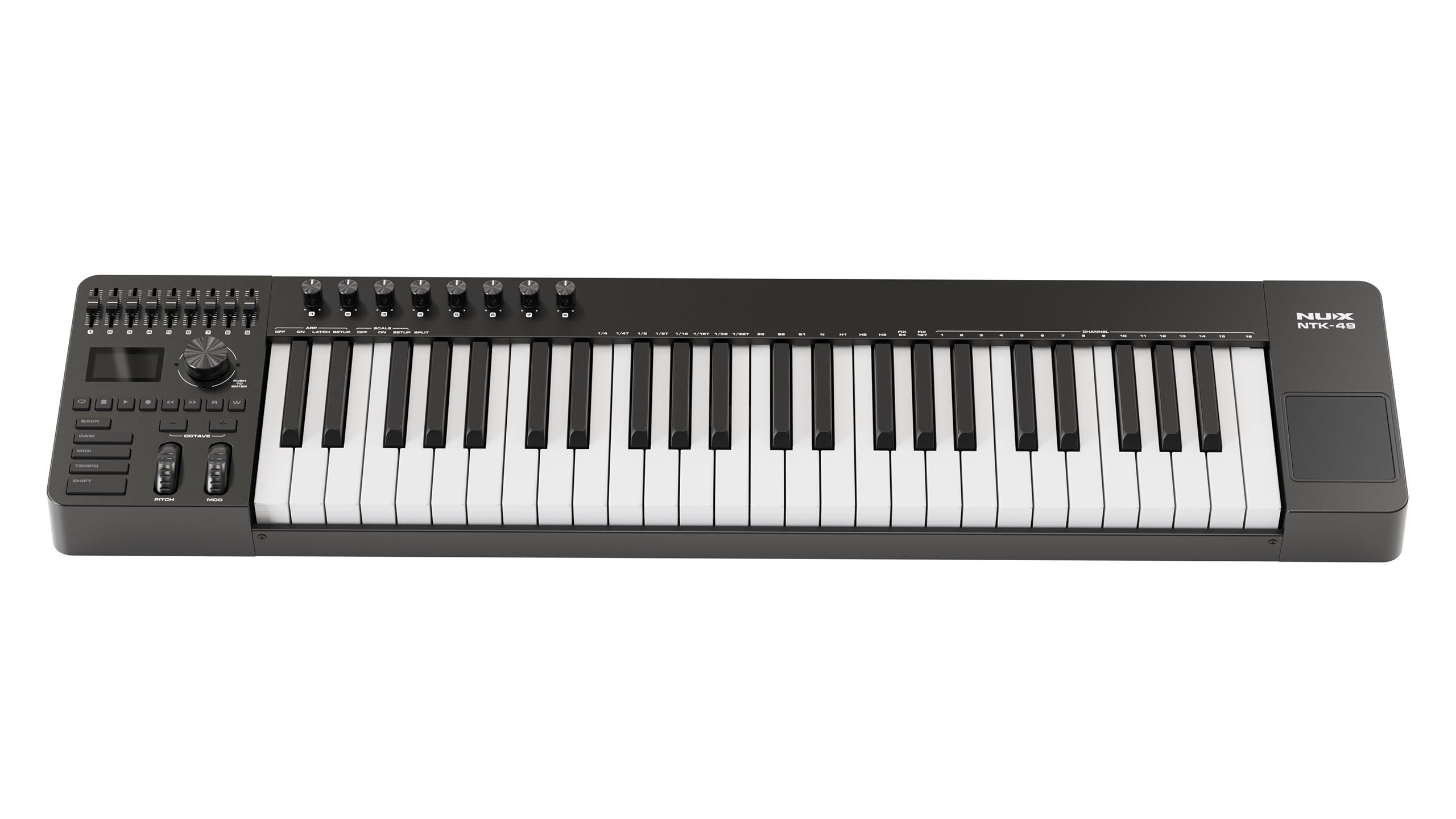
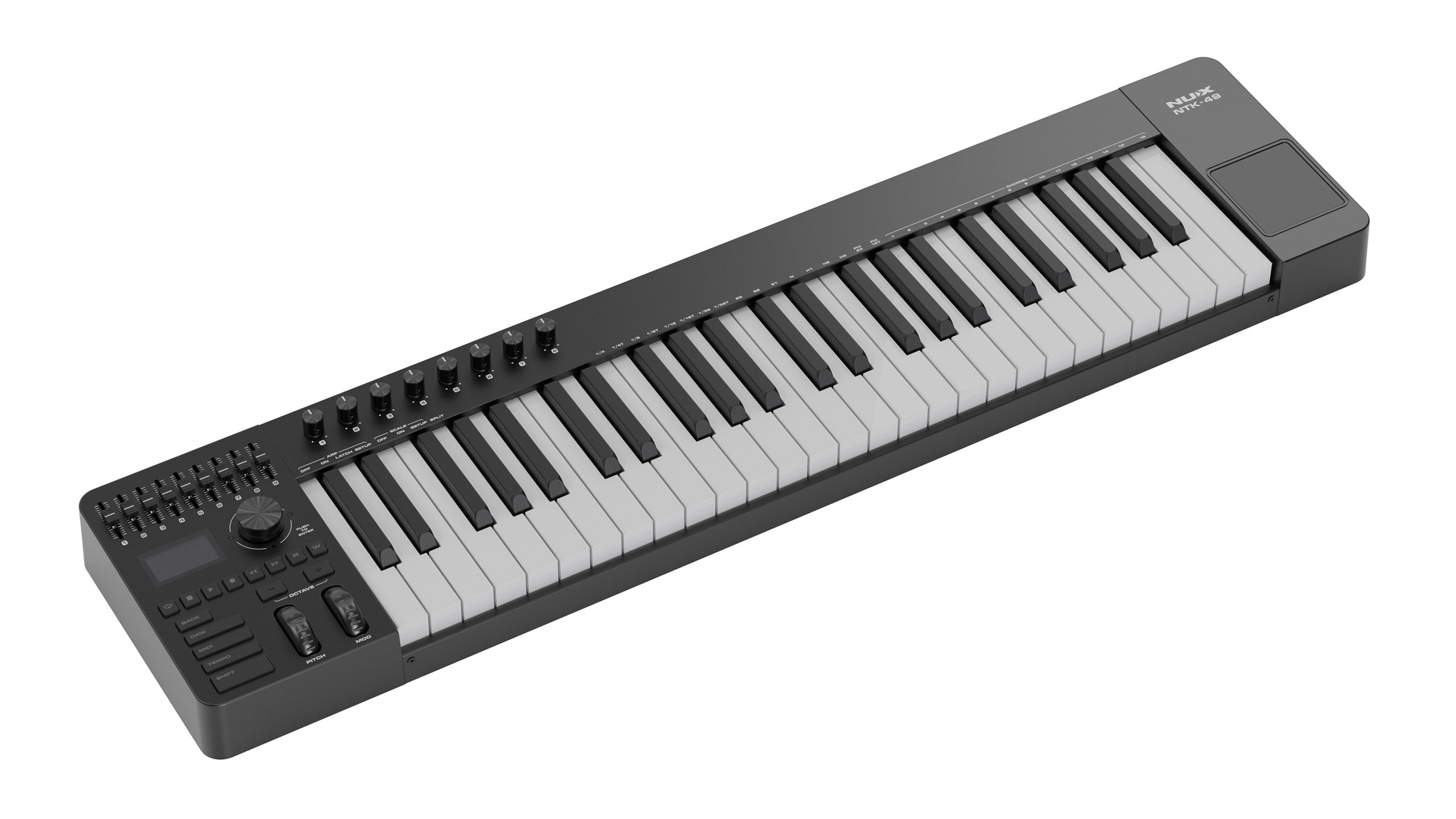
Semi-Weighted Feel
Real-Time Control
Hands-On Mixing
Production Workflow
FAQs
What is a MIDI keyboard controller and how is it different from a regular keyboard?
A MIDI keyboard controller has no internal sound at all — its sole function is sending MIDI data (which note was pressed, how hard, etc.) to software on a computer, which then generates sound via a virtual instrument/plugin. A regular keyboard has its own internal sounds and doesn't need a computer.
Is a NUX MIDI keyboard controller compatible with all DAW software?
Most MIDI controllers use the standard USB MIDI class-compliant protocol, which is compatible with nearly all popular DAWs like Ableton Live, FL Studio, Logic Pro, and Cubase, on both Windows and Mac.
Do I need a separate audio interface to use a MIDI keyboard controller?
For simply controlling virtual instruments and listening through your computer's speakers/headphones, it's not required. But for the best monitoring quality and lowest latency in serious production work, an additional audio interface is highly recommended (see the Home Studio & Recording collection).
How many keys is ideal for a MIDI keyboard controller?
It depends on your needs — 25-32 keys suit high mobility and simple beat production, 49-61 keys balance portability with note range, while 88 keys suit those who want a full piano-playing experience while producing music.
Can a NUX MIDI keyboard controller be used for live performance, not just studio work?
Yes, especially when connected to a laptop running live performance software or synth plugins — assignable pads/knobs on some models also help with real-time control during a show.