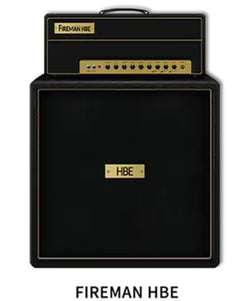
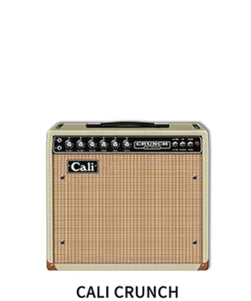
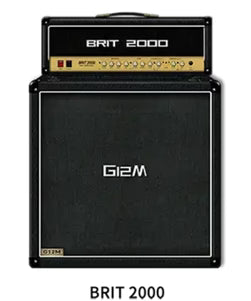
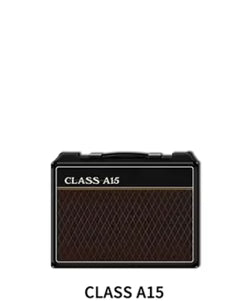
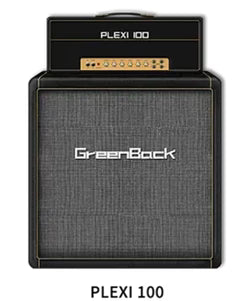
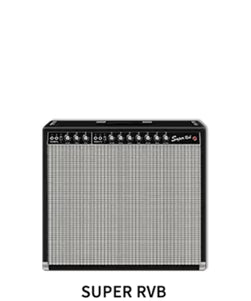
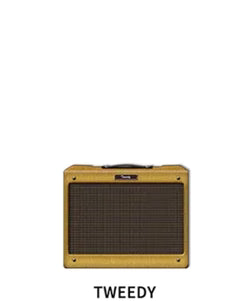
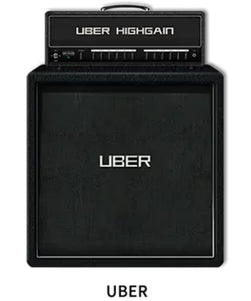
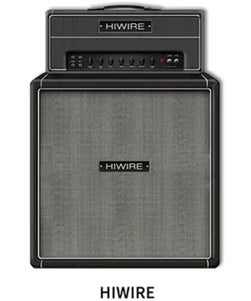
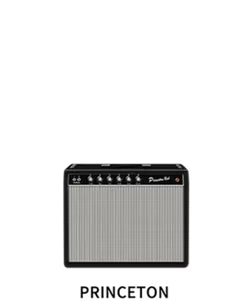
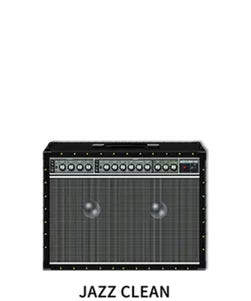
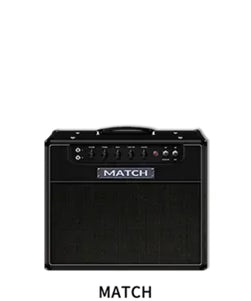
NUX MG-400 is a dual-DSP guitar and bass modeler designed to give players greater flexibility when creating and shaping their tone. With configurable signal routing, a wide range of amp and effects options, plus looper and USB recording capabilities, the MG-400 gives guitarists and bassists more freedom to explore different sounds for their own playing style.
If you have any questions, you are always welcome to contact us. We'll get back to you as soon as possible, within 24 hours on weekdays.
Shipping Information
Use this text to answer questions in as much detail as possible for your customers.
Customer Support
Use this text to answer questions in as much detail as possible for your customers.
FAQ’s
Use this text to answer questions in as much detail as possible for your customers.
Contact Us
Use this text to answer questions in as much detail as possible for your customers.
GEN2 Firmware Update
[Notice] The (V2) firmware version is ONLY compatible with (V2) QuickTone™ Editor Software.
Read More
MG-30 GEN2 Firmware 1. NAM Loader
There are 10 NAM slots in the AMP block.
2. New EFX
FULL-OD HP
HORSEMAN
NOB ODR
RIV BLUEFLOG COMBO
TURBO OD
3. New MOD Since we announced MG-300 the best-budget compact modeler on the market ever—people started noticing our TS/AC-HD (White-Box) Modeling Algorithm. It offers you realistic amp response and playability. And now, the MG-30 provides you better definition from HD to 2K !
With 2 powerful NXP® RT processors, MG-30 drives 1024 samples Impulse Response resolution with ultra-low system latency to give you tight and fast response.
Premium 32-bit 2-channel AD/DA converters realize “high quality sound performance”. MG-30 has super wide dynamic range~110dB!
MONO OCTAVE
4. GLOBAL SETTING
1. PATCH ROLLING: Clockwise / Counterclockwise, press CTL to Quit.
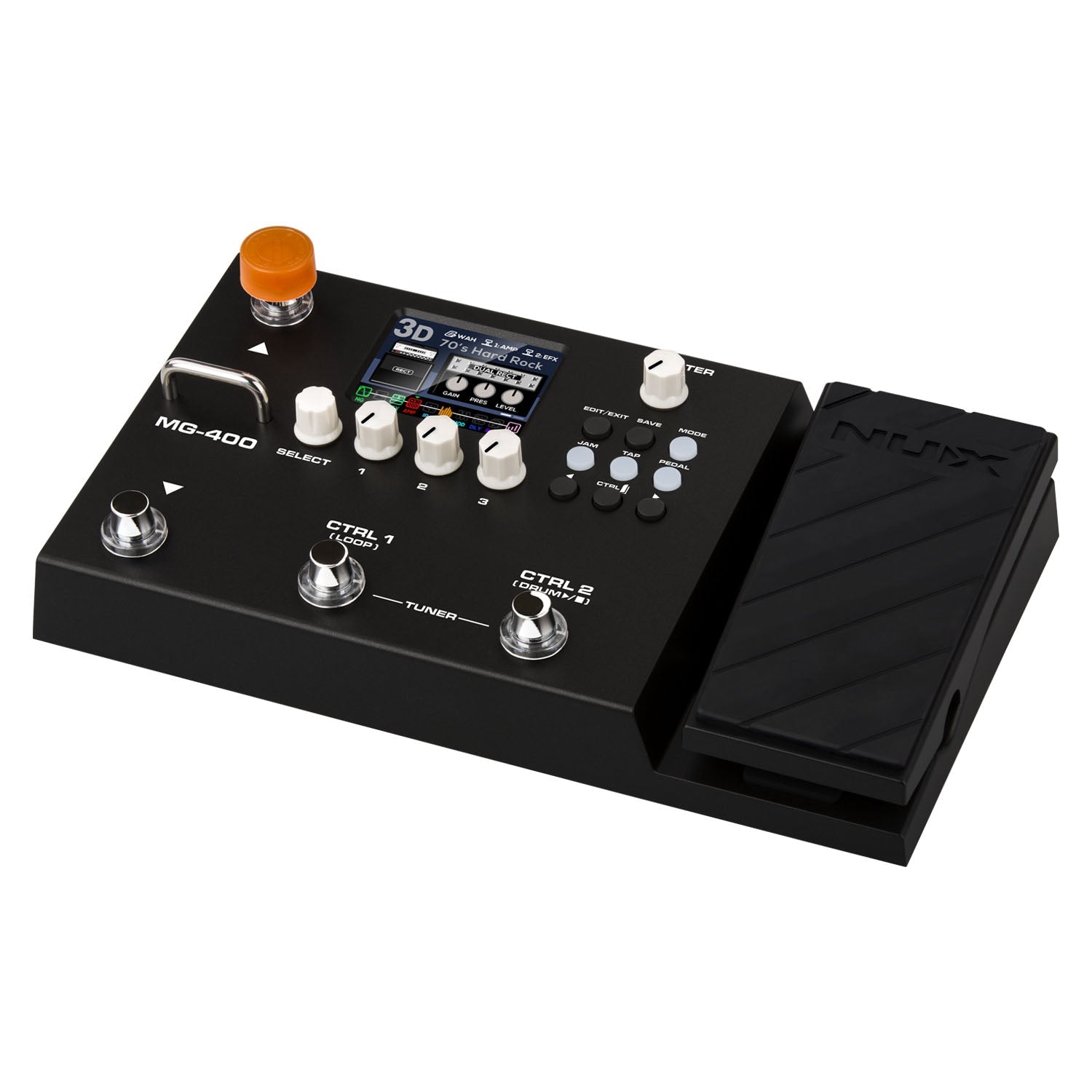
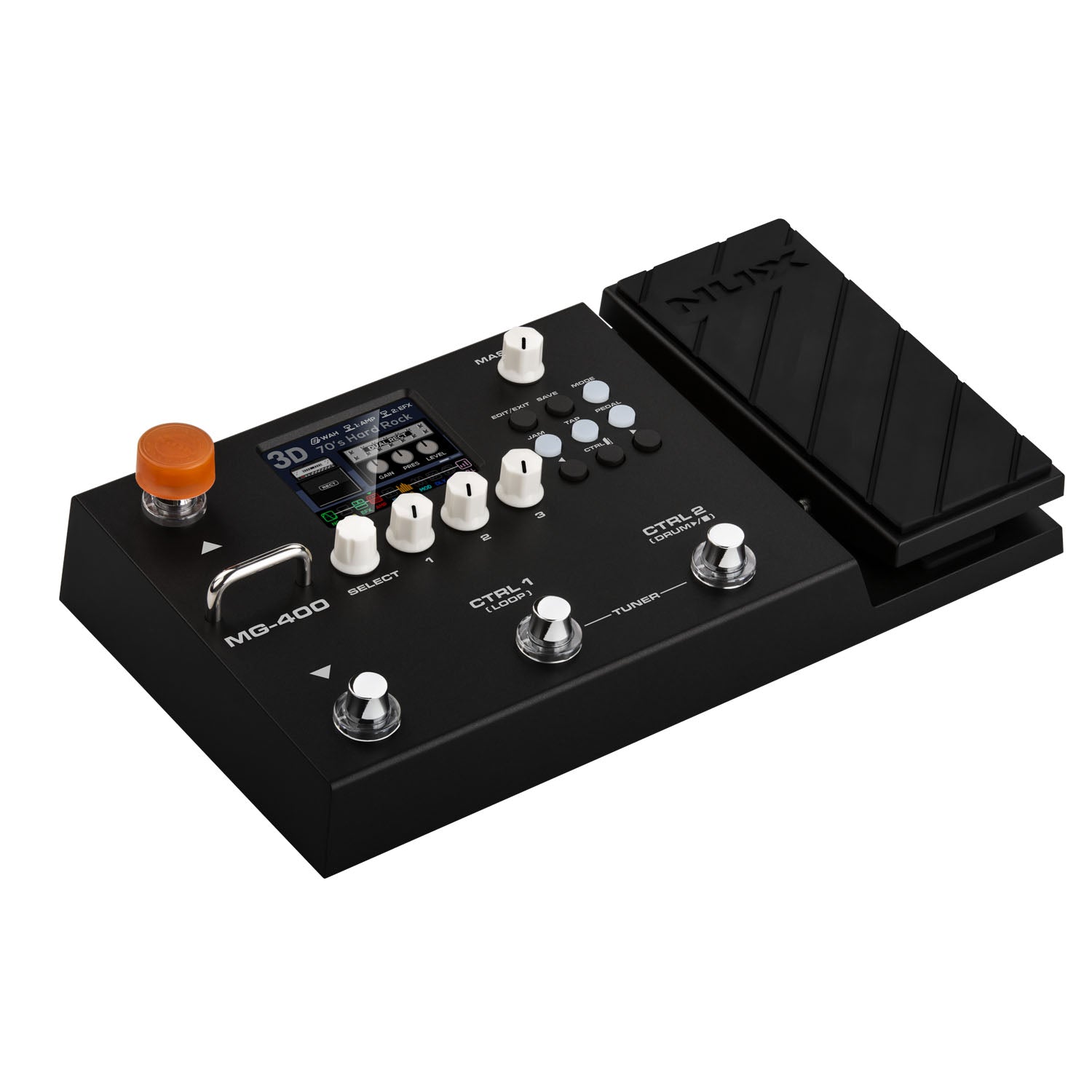
Based on the successful entry-level MG-300 MKII, the NUX MG‑400 is a powerful dual-DSP guitar and bass modeler in a compact floorboard positioned to be "The Best Value Modeler" in the market.
It features high-definition amp modeling, 10 flexible signal blocks, 3 scenes per preset, a built-in phrase looper, and USB recording/re-amping. With 512-sample IRs and an intuitive 2.8″ color LCD, it delivers studio-quality tone for practice, recording, or live performance.
Advance Amp Modeling
TSAC‑HDwhite-box technology provides realistic tube-amp tones with responsive dynamics.
Focused Amp Models
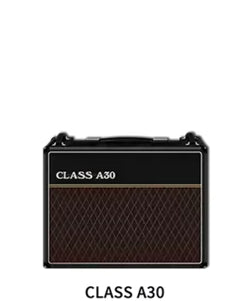
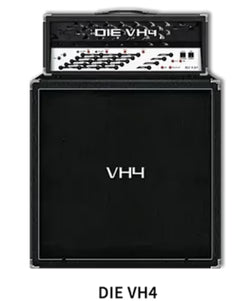
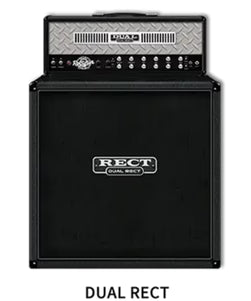
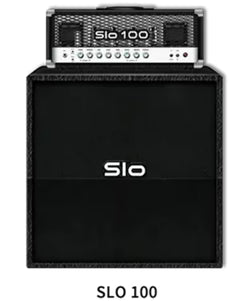
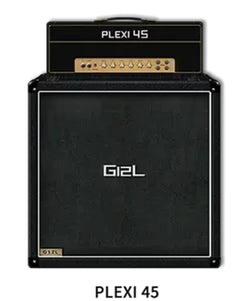
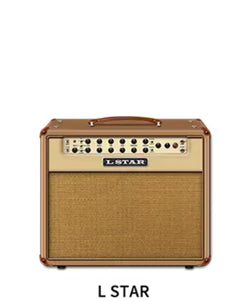
Features36 high‑quality amp models: 28 electric guitar amps, 3 acoustic amp models, and 8 bass amps.
Impulse Response (IR) Support
Includes legendary preset cab IRs for wide range of uses plus the ability of supporting up to 12 3rd-party IR.
Built-In Looper & Drum Machine
Record, overdub, and layer tones with dynamic drum backing tracks for building riffs, testing tones, or performing solo sets.
Block‑Style Effects & Routing
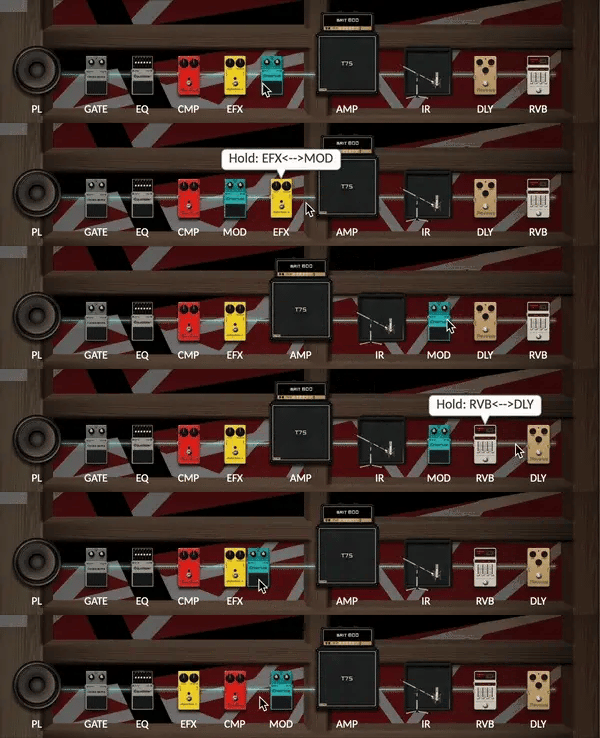
10 independent moveable signal blocks (NG, CMP, EFX, EQ, MOD, DLY, RVB, etc.) for a more customizable signal chain.
QuickTone™ Editor Support
Edit amp models and effects, manage presets, load IRs, and configure USB‑C routing for recording or streaming.
NUX MG-400
Unmatched Value for a Modeler
Packs pro-level amp modeling, dual-DSP processing, effects, looper, and USB recording into a single floorboard—making it the best value modeler on the market.
NUX's TSAC-HD "White-Box" Amp Modeling
Tech at a glance →
NUX's TSAC‑HD (True Simulation of Analog Circuit – High Definition) technology recreates the behavior of classic tube amplifiers with stunning realism. Unlike simple digital modeling, NUX's white-box approach simulates the actual circuit response of each amp, capturing the dynamic feel, warmth, and touch sensitivity of analog gear.
Dual DSP processors
One dedicated to amp modeling and the other to effects, the MG-400 delivers high-quality amp and cab simulations, multiple effects chains, and long impulse responses simultaneously without degrading performance.
Ultra-low 2ms latency
Responds instantly to every note and nuance, giving you the natural, real-time feel of playing through a traditional amp — whether you’re performing live or recording in the studio.
Top-Shelf Amp Tones, Digitally Perfected
Combined with the MG-400 amp modeling and effects, these IR options give you flexible, realistic sound for practice, recording, or live use.
30 Amp Models Included
27 for guitar, 1 for bass, and 2 for acoustic amp models to enjoy.
36 Built-in Cabinet IRs
25 for guitar, 8 for bass, and 3 for acoustic—designed to capture the character of real legendary cabinets.
512-sample (IR) support
Process high-resolution IRs that capture microphone placement, room reflections, and cabinet character, delivering realistic amp tones.
Expandable IR library (Up to 12)
Upload up to 12 of your own third-party IRs, giving you plenty of tonal possibilities.
Legendary mic & mic positions
4 microphones × 3 positions each give you full control over tone, depth, and presence.
Fully Customizable Signal Block Routing
Whether you prefer a traditional setup or want to experiment with new combinations, you can freely move each block to create the signal chain that works best for your stylevia the Quicktone™ Editor App.
Straightforward Controls
Easy-to-read LCD display and simple front-panel knobs let you adjust amp models, effects, and parameters quickly—no deep menu diving required.
Full-Color LCD Display
Easy-to-read screen shows amps, IRs, effects, and signal chains at a glance, making navigation fast and intuitive even in low-light or live settings.
Physical Master Volume Knob
Adjust your overall output in real time with the physical master volume knob for better hands-on control while performing.
Select Knob For Simple Menu Scrolling
Navigate through patches, scenes, and settings quickly with a single rotary knob.
Tweak amp settings, effects, and tone parameters directly for real-time control without having to dig through menus.
Expression Pedal w/ Toe Switch
Control wah, volume, or other effect parameters on the fly, with a built-in toe switch for added convenience.
Footswitches For Preset Switching
Effortlessly switch between presets or jump between three scenes within a preset while playing
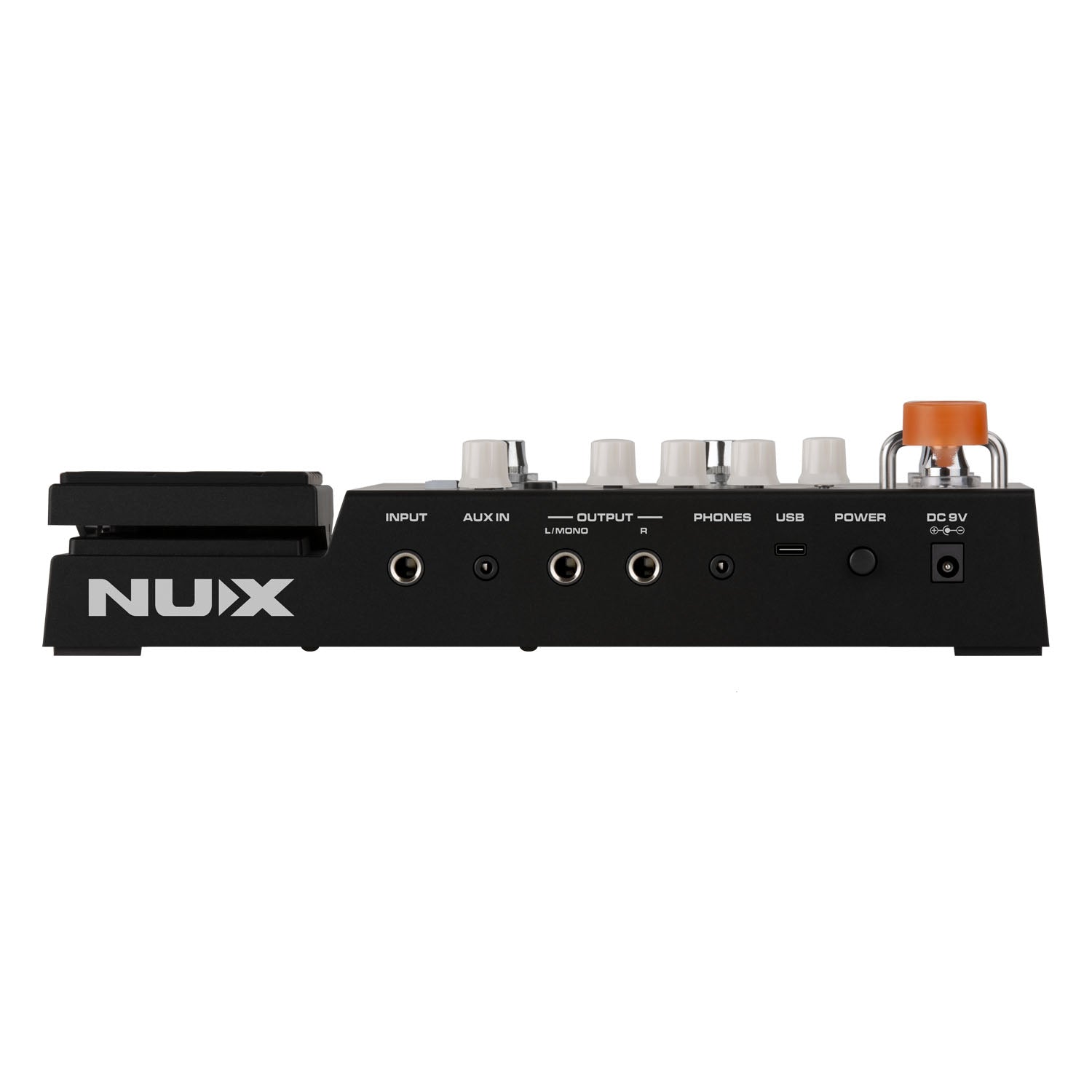
Simple, Versatile I/O
Flexible, straightforward I/O that makes recording, streaming, and everyday playing easy.
Unlock the Full Potential of Your Rig
Quickly edit amp models, effects, and signal blocks, manage presets and scenes, and load your own IRs. Configure USB routing for recording or streaming with ease. QuickTone™ makes designing, organizing, and personalizing your tone simple and intuitive.
QuickTone™ Editor Feature →
Desktop Software for Tone Customization
When you tweak the physical knobs or effect parameters in the app, QuickTone reflects those changes in real time — giving you visual feedback for what you’re doing.
Real‑Time Interaction
When you tweak the physical knobs or effect parameters on your pedal, QuickTone reflects those changes in real time — giving you visual feedback for what you’re doing.
Preset Organization
You can organize and manage your patches and “Pro Scenes” (for switching within a patch) via the app
Custom IR Loading
You can import your own impulse response (IR) files into the 24 user-loadable IR slots available in the MG‑300 MKII.
Block Routing Control
QuickTone allows you to reorder signal blocks (amps, effects, IRs) easily, giving you flexible control over how your signal chain is structured.
USB Routing Configuration
QuickTone supports different USB‑C audio routing modes, like NORMAL, USB Loopback, REAMP, and DRY OUT
Backup & Safety
Helps you create backups of your patches, so you’re less likely to lose your settings if you update firmware or change hardware setups.
Firmware Updates
Keep your unit up-to-date with the latest features and improvements.
What's Included
1 x MG-400, 1 x Power Adapter, 1 x USB-C Cable, User Manual
FAQs
What is the NUX MG-400?
The NUX MG-400 is a dual-DSP guitar and bass modeler that combines amp modeling, digital effects, impulse response (IR) support, a looper, drum machine, and USB recording in a single unit.
Is the NUX MG-400 suitable for both guitar and bass?
Yes. The NUX MG-400 supports both guitar and bass applications with a range of amplifier models and effects designed to explore different tones and playing styles.
What are the key features of the NUX MG-400?
One of the key features of the NUX MG-400 is its flexible signal routing. Its signal blocks can be independently moved, allowing players to arrange their effects chain according to their preferred setup and tone.
Can the NUX MG-400 be used for recording?
Yes. The NUX MG-400 features USB recording and re-amping capabilities, allowing it to be integrated into a computer-based recording workflow and DAW setup.
Does the NUX MG-400 support third-party IRs?
Yes. The NUX MG-400 supports up to 12 third-party IRs, giving players additional options for exploring different cabinet characteristics and creating personalized guitar tones.
Choosing a selection results in a full page refresh.